Losing your phone can be a frustrating and anxiety-inducing experience, especially when you’re in a bustling city like Singapore. Fortunately, modern technology offers solutions to help track and recover lost phones. Among these, phone number tracking apps have become increasingly popular. This post explores the best phone number tracking app in Singapore, with a detailed look at NumFinder, a leading option in the field.
The short answer is yes, in many cases. With the right tools, tracking a lost phone using its number can be both possible and effective. Phone number tracking tools like NumFinder use a “send link → open link → share location” flow to help surface the device’s location (with consent), which can be helpful when your phone is lost or stolen and you need to act quickly.
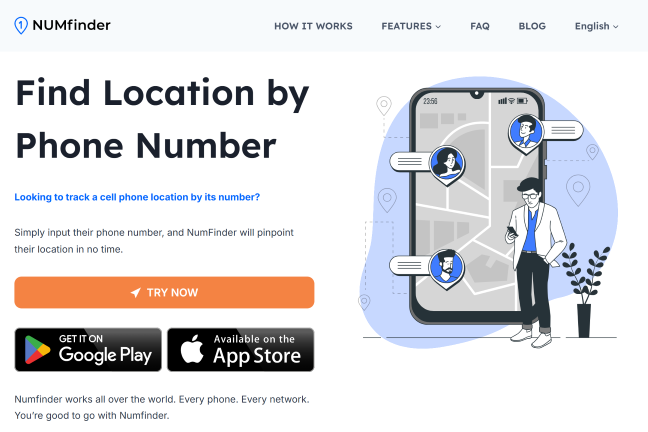
NumFinder is a phone tracking solution designed to help users locate lost or misplaced phones with a straightforward flow. It uses a link-based process to pinpoint the device location once the link is opened and location permission is granted, and it’s built to be accessible even for people who aren’t tech-savvy.
Here’s how NumFinder works:
Location tracking via phone number: NumFinder sends a tracking link to the target phone number via SMS. Once the recipient opens the link and allows location access, the device can share its location.
Interactive map display: After the location is received, NumFinder shows the phone’s position on a map, often with nearby context to help you navigate.
Quick results: Once the link is accessed and permissions are granted, results can appear quickly (speed and accuracy depend on network/GPS conditions).
NumFinder can be a practical option when you want a direct “send link” flow, but you also have a couple of strong free alternatives—especially if you already enabled them before the phone went missing.
Apple’s Find My is the built-in option for iPhone users and is often the first thing to try.
Open Find My on another Apple device, or sign in at iCloud.com.
Go to the Devices tab to see your Apple devices.
Select the lost phone to view its location on the map.
Use Play Sound if it’s nearby.
Use Lost Mode to lock the phone and show a message, or erase it if needed.
As with Google Maps, this works best when Find My was enabled before the phone went missing.
Frequently asked questions
How to trace a phone number in Singapore?
A practical way is to use a tool that sends a link to the phone number and collects location only after the link is opened and permissions are granted. With NumFinder, you enter the number, send the link, and once it’s opened (with consent), you can view the location on a map. Always make sure you have proper consent and follow local privacy rules.
How quickly can I track a phone number?
If the link is opened and location permissions are allowed, results can appear quickly. Timing depends on GPS availability, network strength, and whether the device is indoors, in low-signal areas, or running aggressive battery-saving settings.
Is NumFinder able to track someone’s location?
NumFinder can show a device’s location after the link is opened and location access is granted. You should only use it with clear consent (and for minors, in a parent/guardian context) and follow Singapore’s privacy and consent expectations.
When it comes to tracking a lost phone in Singapore, NumFinder is a strong option if you want a simple “send link” workflow and a map view once the device shares location. At the same time, free alternatives like Google Maps Location Sharing and Apple Find My can work extremely well if they were enabled before the phone went missing.
No matter which method you choose, speed matters. Act quickly, keep things transparent, and focus on safe recovery steps.
Find a Facebook account by phone number in 2026: three native Facebook methods, a fallback workflow when search comes up empty, and consent boundaries.