NumFinder

How to Track an iPhone Location by Phone Number (2026)

Updated NumFinder TeamLocation Tracking

Tracking an iPhone location by phone number is useful for recovering lost devices, family safety check-ins, or coordination—but it almost always requires consent or prior setup.

No method gives instant GPS from just a number without some form of approval or account access. This 2026 guide covers the most effective, ethical options.

For the full explanation of how phone number location tracking works (and its real limits), see: Find location by phone number: how it works.

Most effective ways to track an iPhone by phone number

NumFinder provides a simple, consent-focused way to get real-time GPS from any iPhone using just the phone number—no app install required.

NumFinder location by number interface

How it works:

  1. Enter the phone number
  2. Add an optional personalized message
  3. NumFinder sends a discreet location request link via SMS/iMessage
  4. Recipient taps to share location (one-time approval)
  5. View exact GPS on map instantly

Works globally on all iPhones with cellular or internet connection.

Try NumFinder now

Trace numbers, find lost phones, share location — all in one place.

2. Scannero

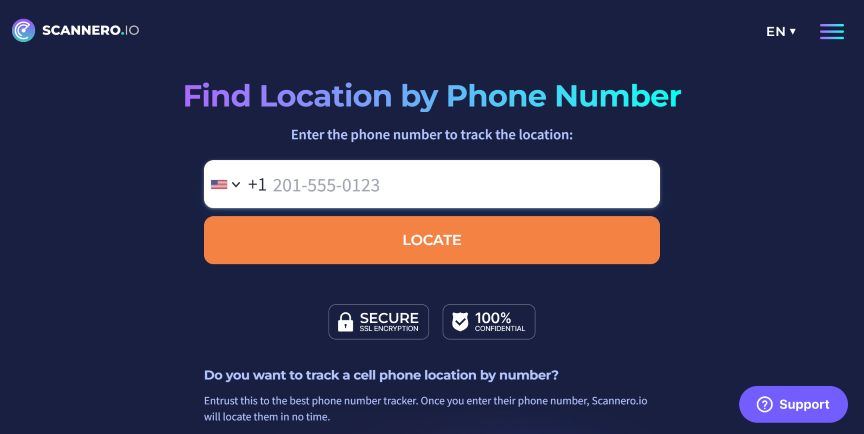
Scannero uses a similar link-based system to request and display iPhone location.

Scannero tracking interface

Pros:

  • Works across carriers
  • Email/SMS delivery options

Cons:

  • Requires paid subscription for full features

3. NEXSPY (monitoring app)

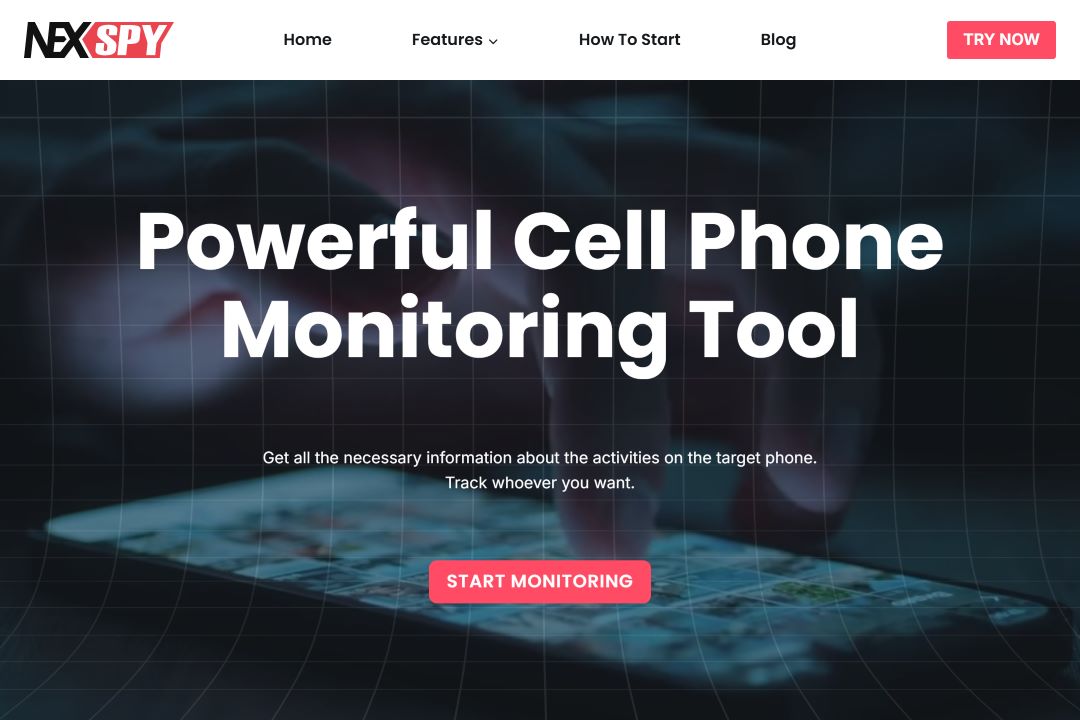
NEXSPY offers comprehensive monitoring including real-time location, calls, messages, and app usage.

NEXSPY dashboard

Requires physical access to install on the target iPhone with explicit consent. Best for parental control on family devices.

4. Google Maps location sharing

Google Maps allows voluntary real-time or temporary location sharing—great for meetups or family.

Steps:

  1. Open Google Maps on the iPhone
  2. Tap profile → Location sharing
  3. Choose contacts and duration
  4. View live location or history

Free and accurate when shared, with arrival/departure alerts.

See: Track mobile number location in Google Maps.

5. Apple Find My (via iCloud)

Apple’s built-in Find My is the most reliable for your own or shared devices.

Steps:

  1. Go to iCloud.com → Find iPhone
  2. Sign in with the Apple ID linked to the device
  3. Select the iPhone → view on map
  4. Play sound, enable Lost Mode, or erase remotely

Free, highly accurate, and includes security features—but requires the device to be linked to your Family Sharing or account.

Important: ethics and privacy

  • Real-time tracking without consent is restricted and often illegal.
  • Always get permission or use for your own/lost devices.
  • Apple’s privacy protections make “secret” tracking from number alone unreliable.

Permission-based tools like NumFinder are the safest and most practical choice.

Conclusion

The most effective ways to track an iPhone by phone number today rely on consent: NumFinder for quick link sharing, Find My for owned devices, and Google Maps for voluntary coordination.

Choose based on your needs—NumFinder excels when you only have the number and need fast, cross-platform results.

Try NumFinder now

Trace numbers, find lost phones, share location — all in one place.

Frequently asked questions

How can I locate someone else’s iPhone by phone number?
You need their consent. Use NumFinder to send a location request link, or ask them to share via Find My or Google Maps.
Can I track an iPhone location for free?
Yes—Apple Find My (for your own or shared devices) and Google Maps sharing are completely free with prior setup.
Can someone track my iPhone location with just my phone number?
Reliable tracking requires permission or account access. Services claiming “no consent” results are usually limited to rough region data or ineffective.
Can I track a lost iPhone without another Apple device?
Yes—use iCloud.com’s Find My from any browser, or permission-based tools like NumFinder if someone finds your phone and opens a request link.

Related posts

View all